Canon
CR2 and CR3, from the older EOS DSLRs through the whole R-series mirrorless line.
Miri reads thirteen RAW extensions across the eight camera brands photographers actually shoot — straight from the folder on your drive. No import, no conversion, nothing copied out first.
Here is where each of those extensions comes from. Support is by extension, so a body that writes one of these files works even if the exact model isn't named.
CR2 and CR3, from the older EOS DSLRs through the whole R-series mirrorless line.
NEF from every DSLR and Z body, plus NRW from Coolpix and 1-series cameras.
ARW from the A7, A1, and A6000 families, and the older SRF and SR2 files too.
RAF from the X-series and the GFX medium-format bodies.
RW2 from the S, GH, and G lines.
ORF from the OM-1 and the earlier E-M range.
PEF from the K-series DSLRs.
X3F from the Foveon sensors in the fp and sd Quattro cameras.
The universal container Leica, Ricoh, and DJI drones write — and what most RAW converters output.
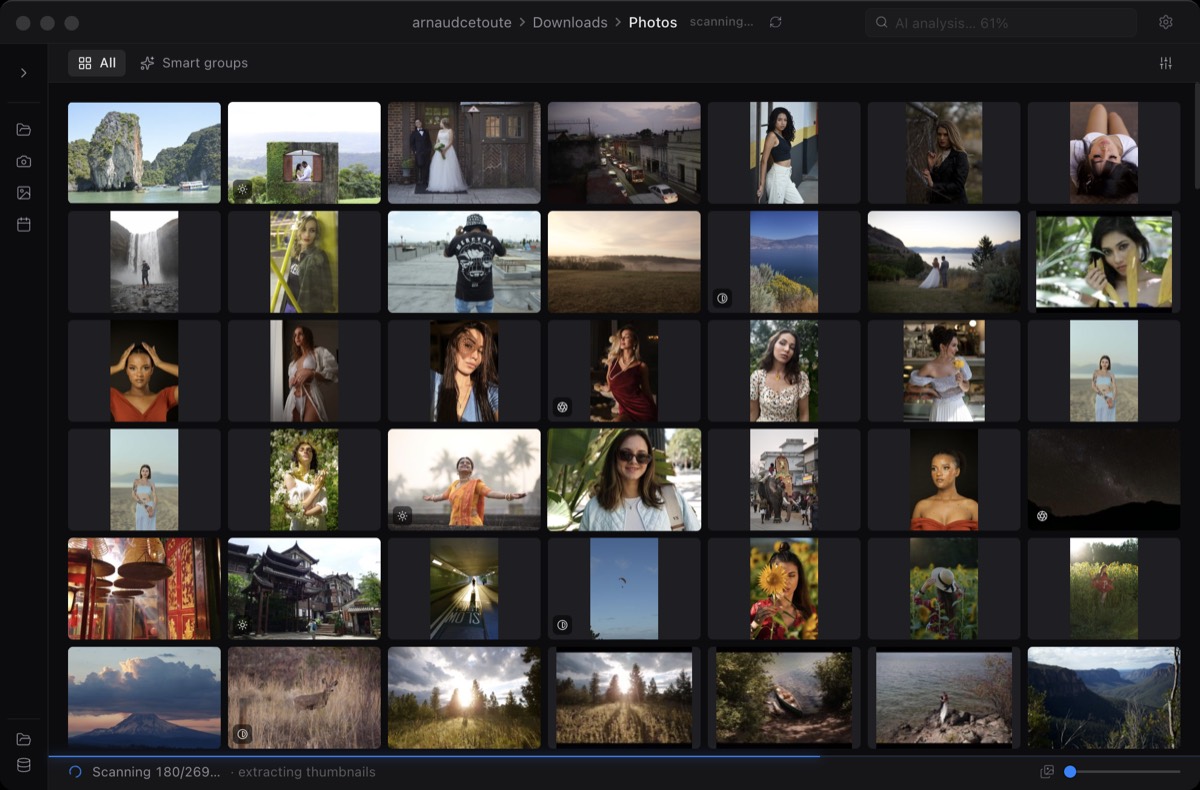
And when a shoot mixes RAW with JPEG, HEIC, PNG, or TIFF, Miri shows them side by side in the same grid. You cull the whole card in one pass instead of switching tools for each file type.
Miri doesn't develop your RAW files. Every RAW already carries a full-size JPEG preview that the camera wrote at capture — the same image you review on the back screen. Miri pulls that preview out with LibRaw and shows it, instead of demosaicing millions of pixels one file at a time. That is the whole reason a thousand-frame folder loads while you're still reaching for the mouse.
Your RAW files stay in the folder they're already in. Nothing is imported into a catalog or copied somewhere else first.
Miri extracts the embedded JPEG and caches it as a thumbnail, so the first pass is fast and the second visit to the folder is instant.
When you export, Miri writes new JPEGs to a destination you pick. The originals are never touched.
Support is decided by the file extension, not the camera model. If your body writes one of the extensions listed here — and almost every current camera does — Miri reads it. The brand names are just the common cases, not a whitelist of bodies.
No. Miri pulls the JPEG preview that is already embedded in the RAW and shows that. Your original files are never demosaiced, edited, moved, or overwritten. When you export, you get new JPEGs in a folder you choose.
Send feedback with the camera body and the RAW extension. Format coverage is the thing we extend fastest, because a real file from a real body is all we need to add it.
Yes. If a folder mixes RAW with JPEG, HEIC, PNG, or TIFF, Miri shows everything side by side in the same grid, so you cull the whole card in one pass.