Smaller scope
Open a folder, browse, select, export. There's nothing to configure before you can start looking at pictures.
Photo Mechanic is the tool a lot of wire, sports, and wedding shooters build their day around. Miri does less on purpose: a Mac app for the culling pass, with the AI running on your own machine, bought once instead of rented.
Worth being straight about this first. Photo Mechanic is a full ingest and metadata workstation: it pulls images off a card with backups, stamps IPTC templates, runs code replacement and captioning, and pushes files out through its uploaders. The Plus edition adds a proper catalog on top. If your day is agency deadlines and you live inside metadata, that is Photo Mechanic's home turf and Miri isn't trying to take it.
Miri is the opposite shape. It skips ingest, skips the metadata suite, and does one thing: get you through a folder of RAW files fast, then out the other side with the frames you kept.
Open a folder, browse, select, export. There's nothing to configure before you can start looking at pictures.
Highlights ranks the strong frames, semantic search finds shots by description, and face grouping isolates one person across the whole shoot.
A single one-time purchase — not a subscription, and not a license whose updates quietly run out later.
Every AI pass runs locally. For NDA and client work, that's the difference between fine and a problem.
A compact macOS utility rather than a cross-platform pro suite. That's a limitation on Windows and a feature everywhere else.
Your RAW files are read in place and never modified. Exports are separate JPEGs in a folder you pick.
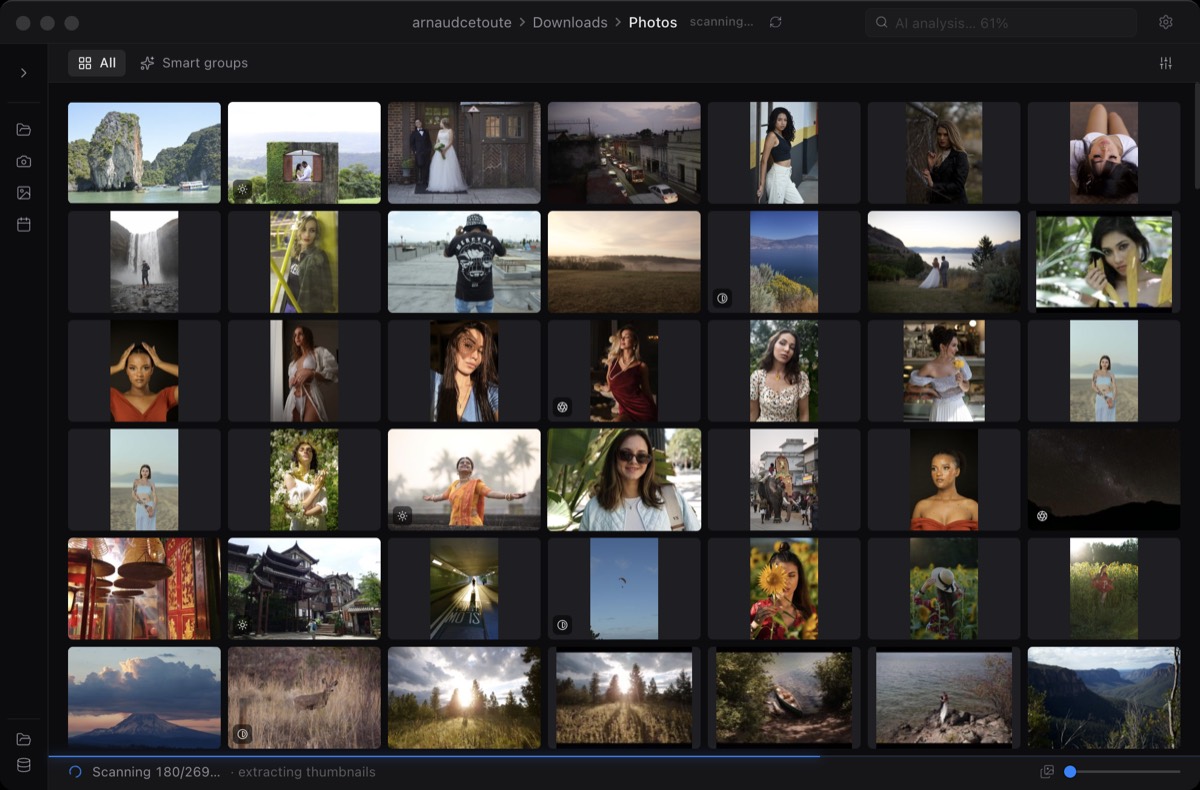
Point Miri at the folder on your drive. It reads the embedded previews and fills the grid in seconds, no import.
Run smart analysis to mark blur, near-duplicates, and exposure issues, so the obvious rejects are already grouped.
Move through the grid, pick what stays, and lean on Highlights or search when a shoot is huge.
Export lightweight JPEGs for review, or take the selected files straight into the rest of your workflow.
For the culling pass, yes. For ingest, IPTC templates, code replacement, and captioning, no. Photo Mechanic is an ingest-and-metadata workstation that a lot of wire and sports shooters build their whole day around. Miri only does the browse-and-select part, so if your job lives in metadata, keep Photo Mechanic.
No. There's no ingest step and no IPTC template system. Miri opens the folder your files are already in and works from there. It reads existing files rather than copying them off a card with backups and metadata stamping.
On-device AI. Highlights ranks the frames worth a second look, semantic search lets you type what you're after, and face grouping pulls one person out of a thousand shots. All of it runs on your Mac, so nothing is uploaded.
Photo Mechanic is sold either as a subscription or as a one-time license whose free updates eventually run out. Miri is a single one-time purchase with no subscription. Different scope, so it's not a like-for-like swap, but it is a much smaller commitment for the culling step.
Not yet. Photo Mechanic runs on macOS and Windows; Miri is macOS-only today, with a Windows waitlist open.